Stroke exercises, one step at a time.

Short exercise videos in English, Yoruba or Hausa. At your own pace, at home. Supports your care team.

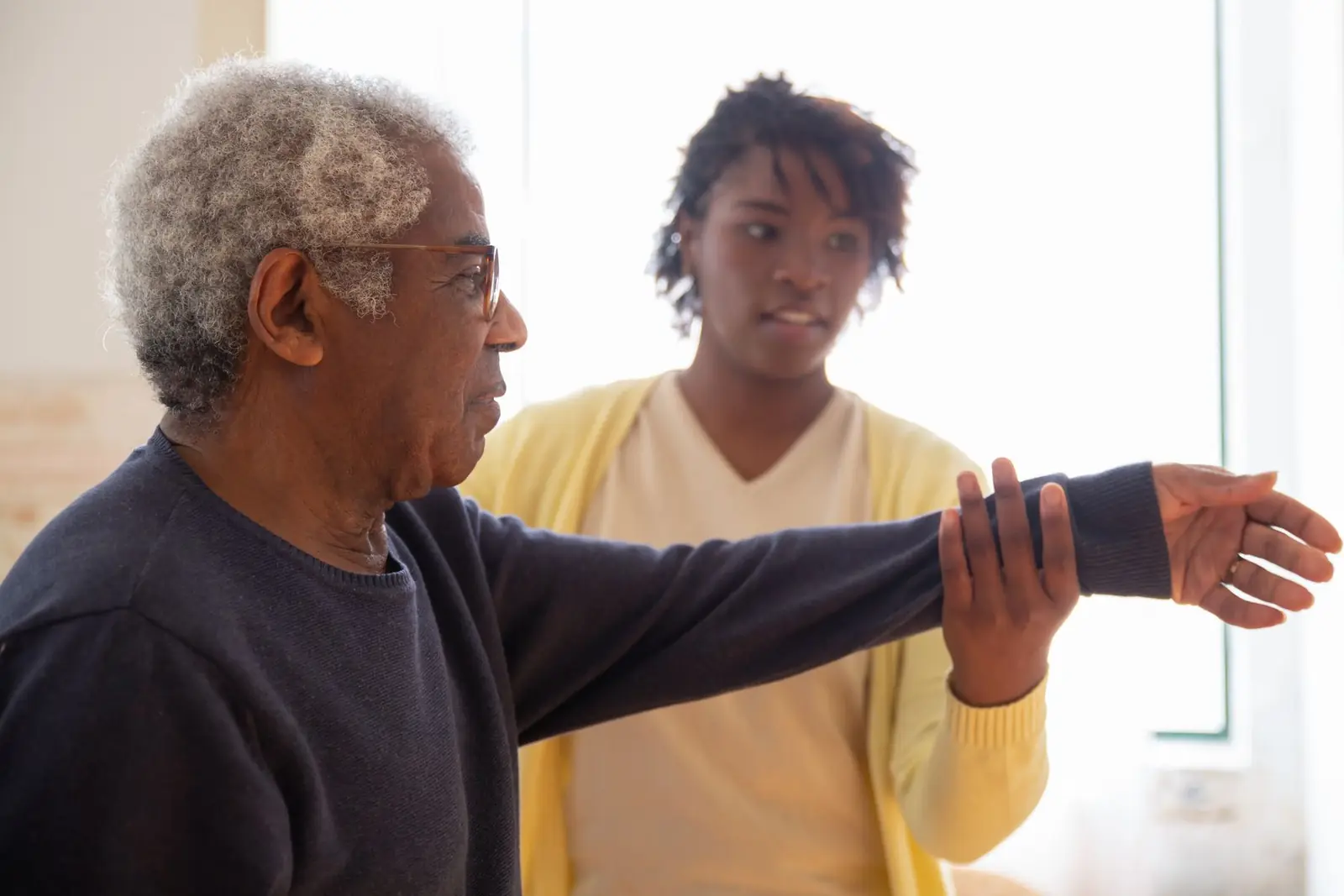
An older man stretches his arm out while a care worker gently supports it, in a bright room at home.
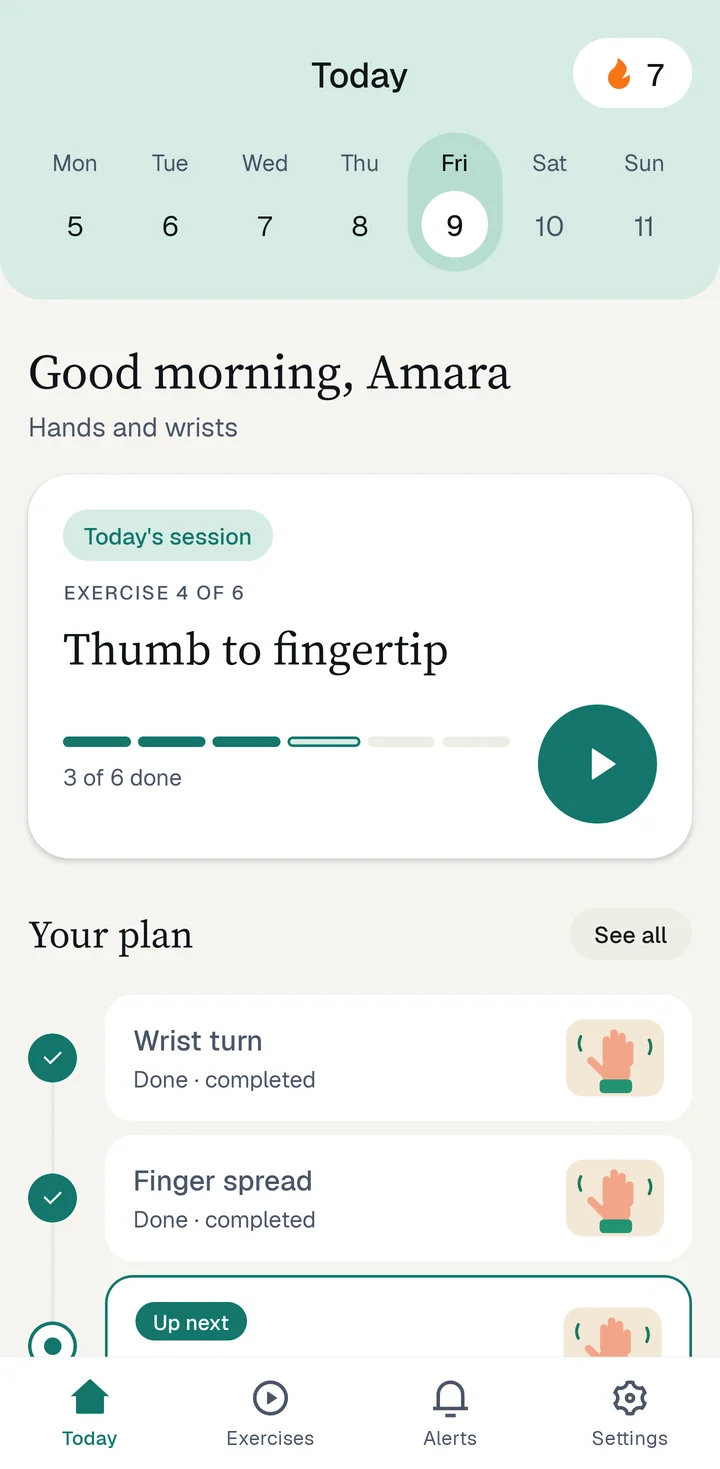
The mstroke Today screen: a week calendar with a 7-day streak, today's session 'Thumb to fingertip', exercise 4 of 6, and the plan below.

Here, recovery is one clear step each day, with your care team beside you.

  • Languages English, Yoruba and Hausa.
  • Therapist choices Choose a male or a female therapist for your videos.
  • Exercise at a time They open in order, so you always know what is next.

Simple from the very first tap

  1. Choose your language and therapist

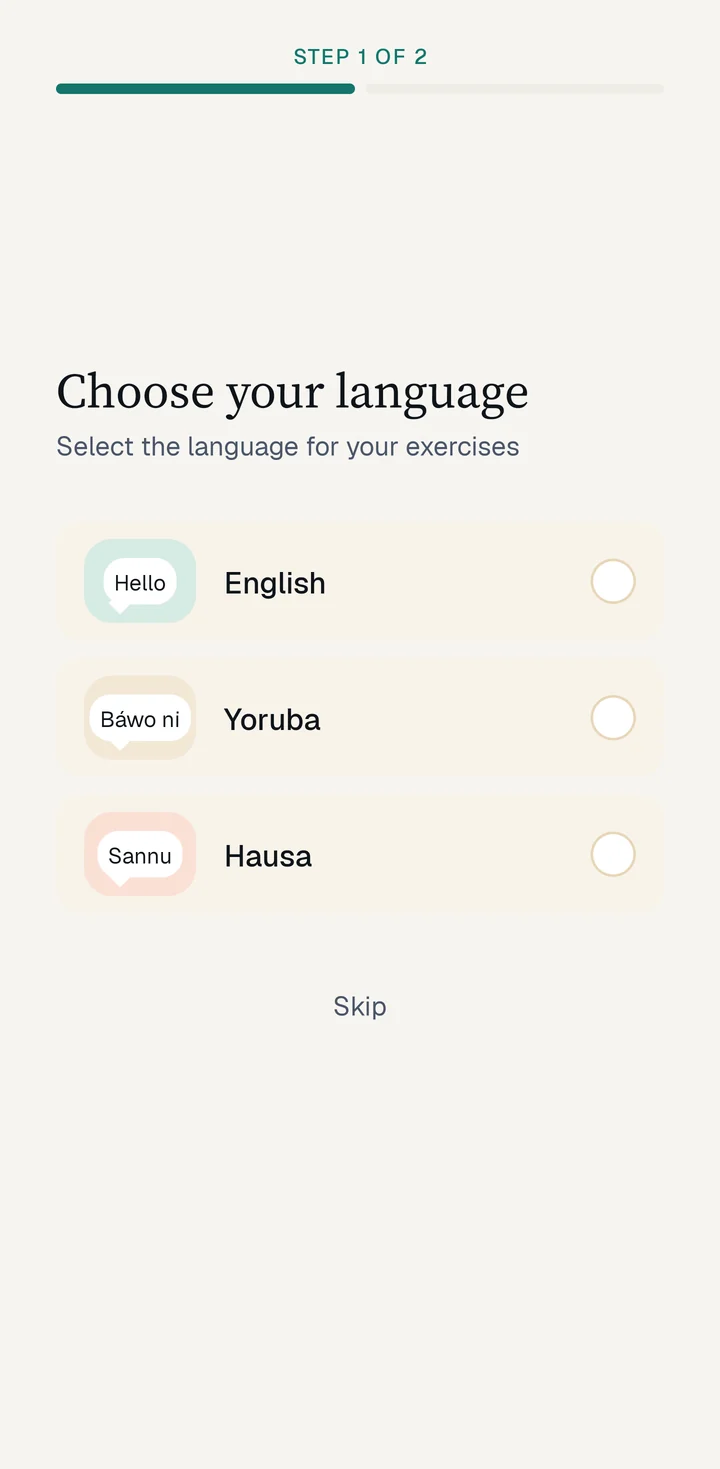
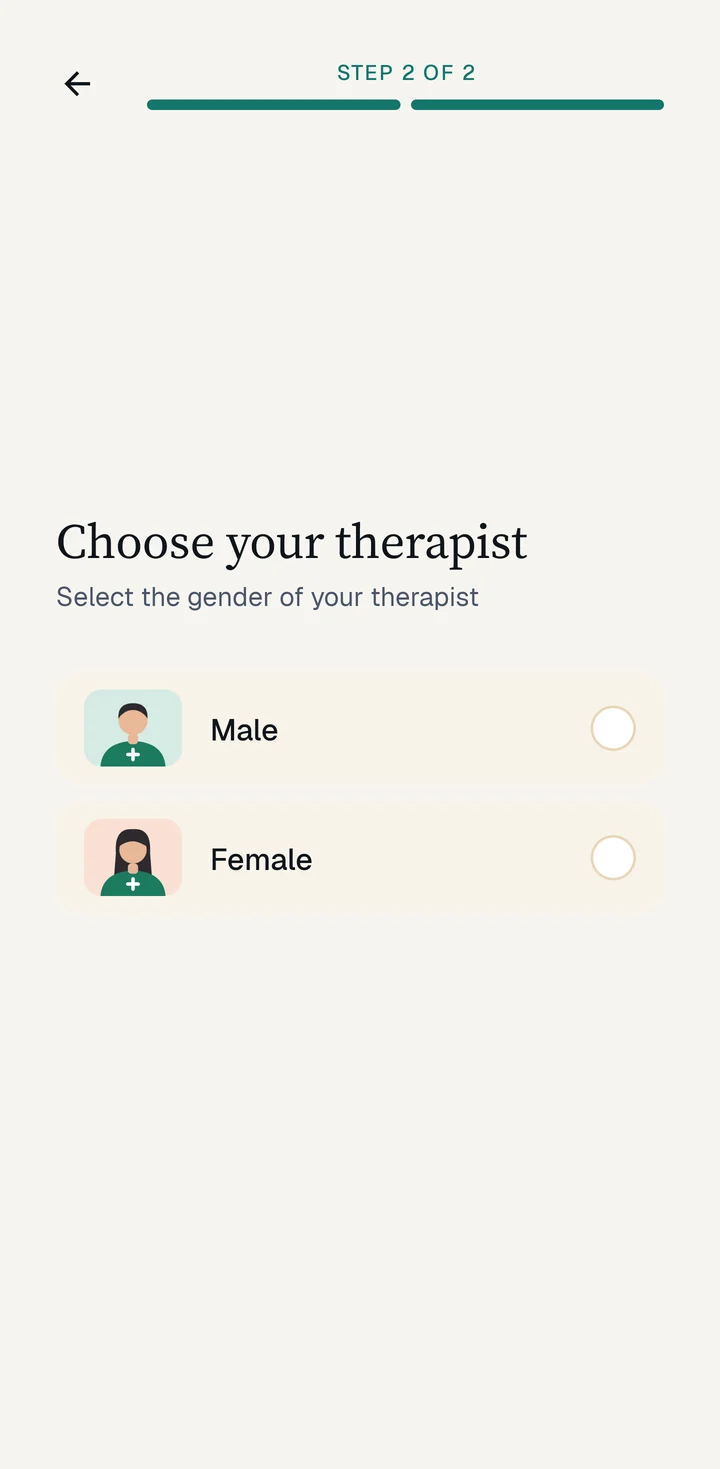
    Pick English, Yoruba or Hausa, then a male or female therapist.

    The mstroke language screen offering English, Yoruba and Hausa with greetings Hello, Báwo ni and Sannu.
    The mstroke screen for choosing a male or female therapist.
  2. Follow today's session

    See what is done and what is next, then open the next video and move along with it.

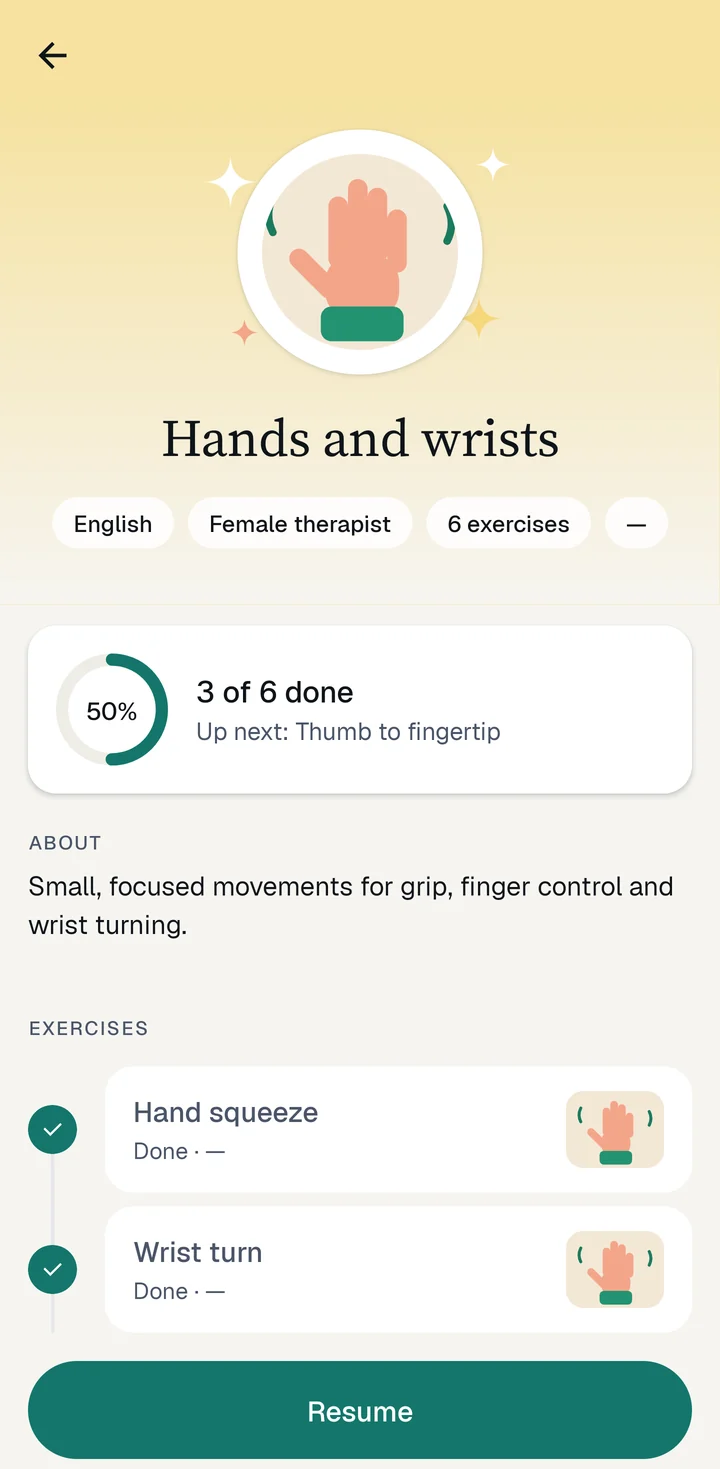
    The Hands and wrists module: 3 of 6 done, 50 percent, up next Thumb to fingertip, with the finished exercises ticked.
  3. Watch your progress grow

    See every module at a glance, pick up where you left off and build a streak.

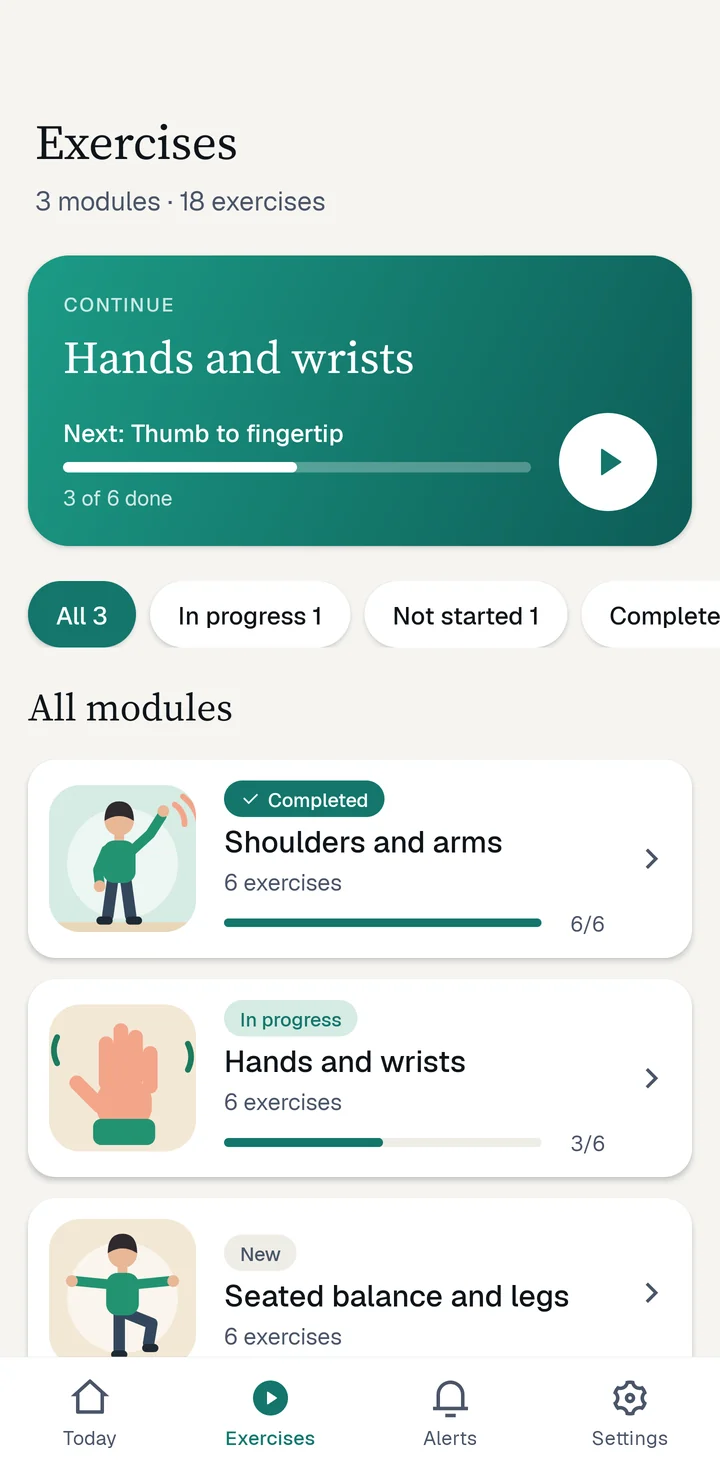
    The Exercises tab: a Continue card for Hands and wrists and a list of modules with progress.

Everything stays simple

Messages from your care team

Reminders and encouragement arrive in your Alerts tab, so you never lose the thread.
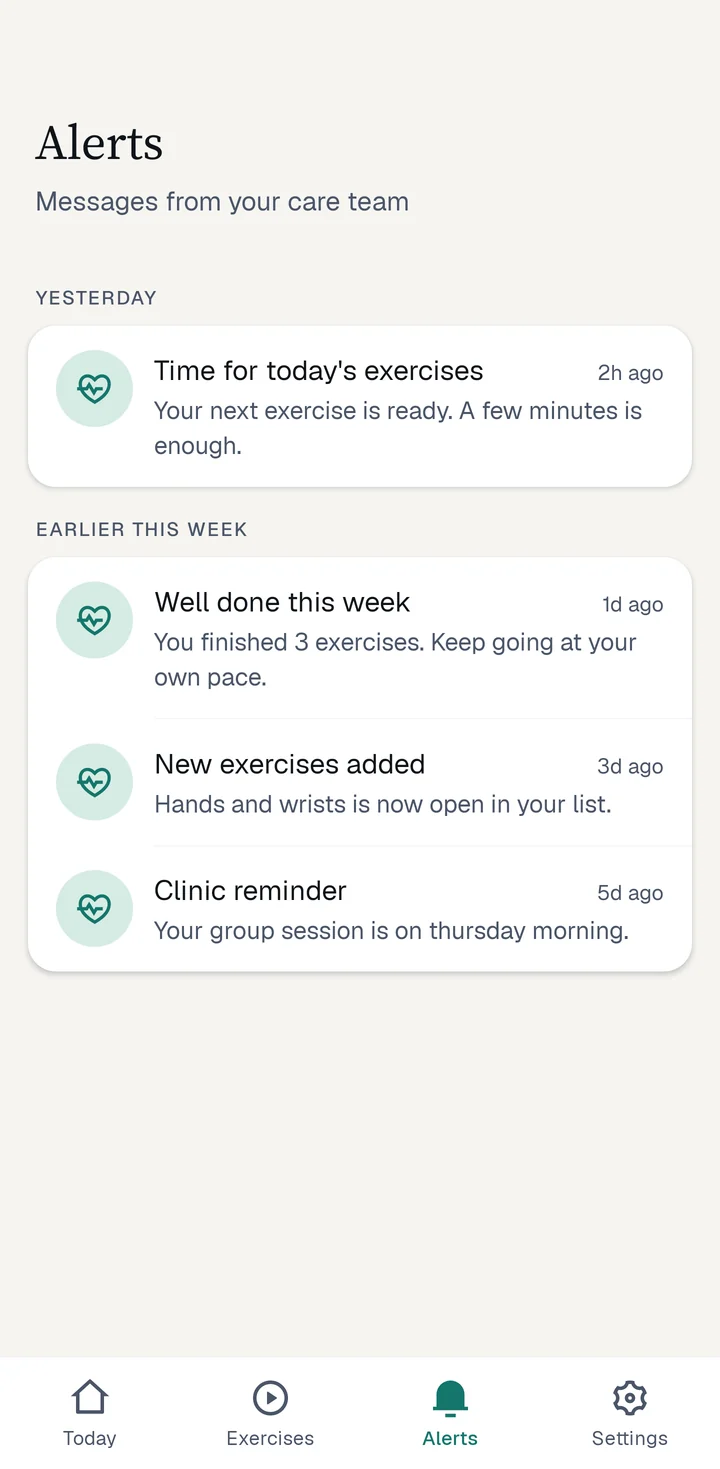
The Alerts tab with messages from the care team, such as 'Time for today's exercises' and 'Well done this week'.

Your own language

Use mstroke in English, Yoruba or Hausa. Change it any time in Settings.

An older woman in a pink top stretches her arms overhead in a sunlit park.

Move at your own pace

Short videos you can pause and replay.

Nothing is recorded

During an exercise the camera only checks that you are moving.

Support every patient from one dashboard

Set up patients, choose their exercises and see who is keeping up, so you can reach out when someone needs help.
  • Organise patients into groups
  • Give each group the right exercises
  • Send reminders and messages
  • See who is falling behind
  • Choose what each team member can do
Care team sign-in
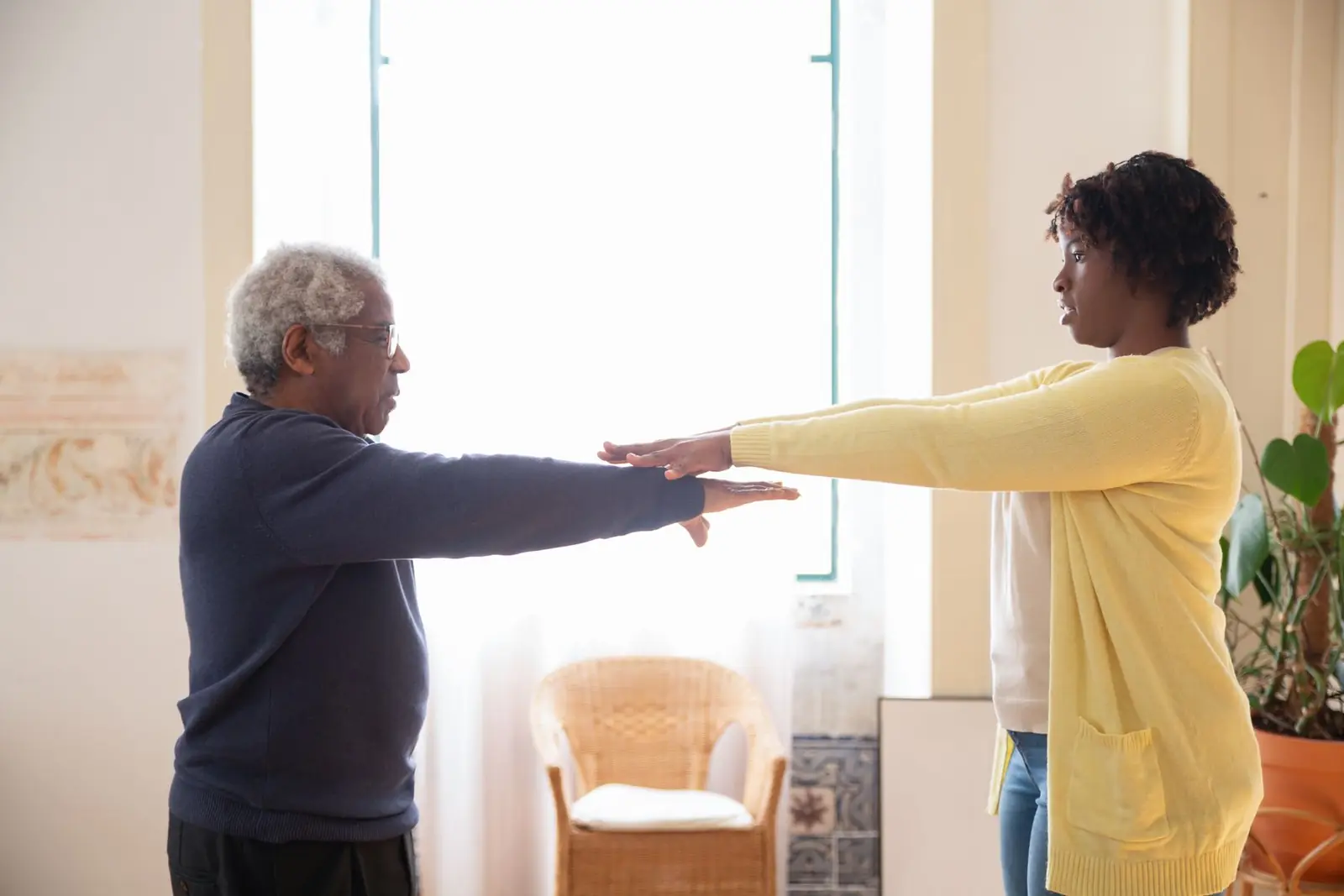
A care worker and an older man face each other with their arms stretched out, doing an exercise together in a bright room.
admin.mstrokeexercise.xyz
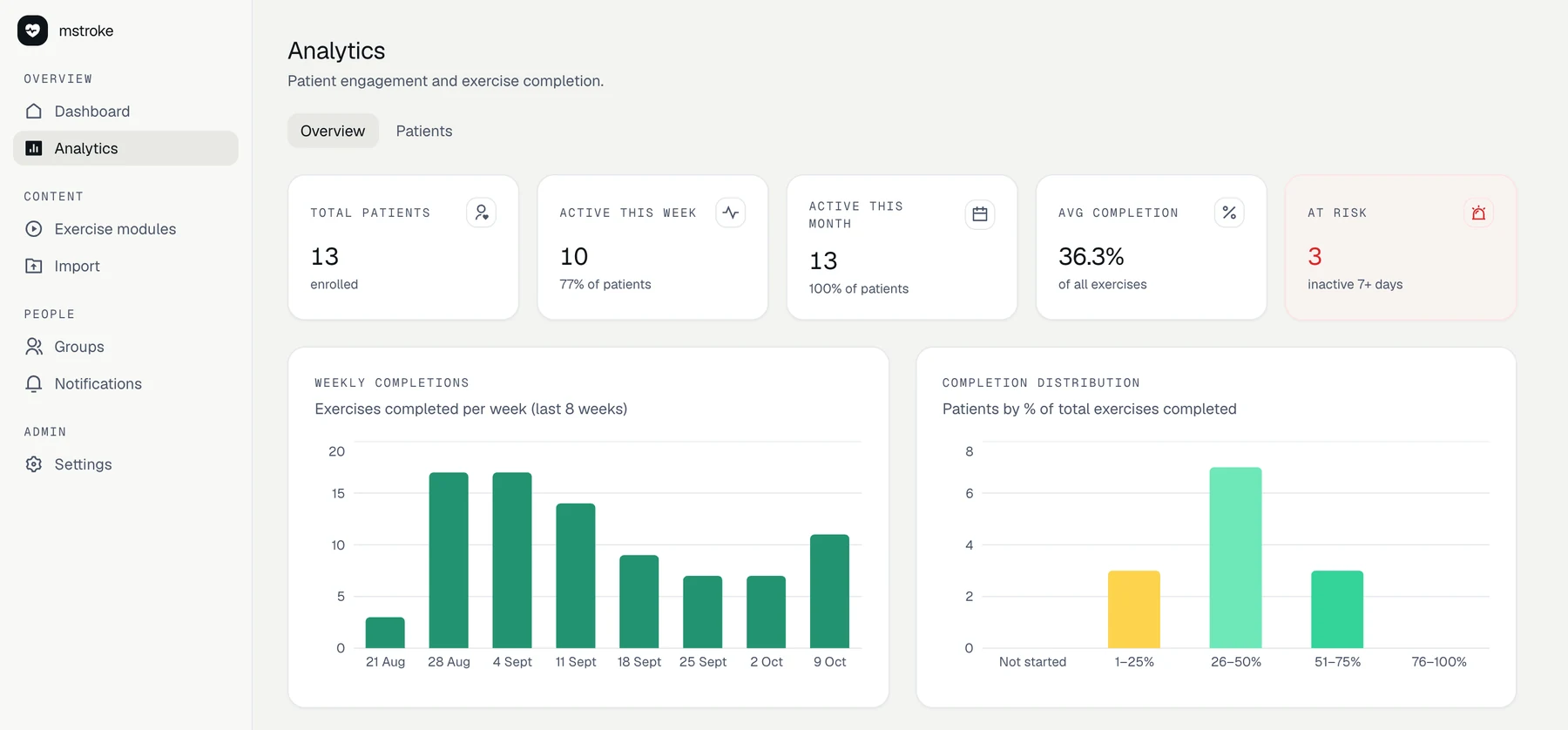
The mstroke care team dashboard: totals for patients, active this week, average completion and at risk, with weekly completions and a completion distribution chart.
The care team dashboard, shown with sample patients and data.

Good to know

Does mstroke replace my therapist?

No. It helps you keep up the exercises your care team gives you. Always follow their advice. If you think you are having a stroke, call your local emergency number straight away.

Which languages can I use?

English, Yoruba and Hausa. You can change language in Settings.

Why does the app ask for my camera?

To check that you are moving during an exercise. Nothing is recorded.

I am not confident with phones. Can I still use it?

Yes. The text is large, the buttons are big, and you see one step at a time. A family member or your care team can help you start.

Can my care team see how I am doing?

Yes. They can see which exercises you have finished, so they can support you. They cannot see anything from your camera, because nothing is recorded.

An older man with glasses holds both arms out in front of him while a care worker guides his exercise.

Ready to begin?

mstroke is rolling out with care teams. Ask yours how to get the app.

Care team sign-in